

Models
Add, remove, or configure AI models
Overview
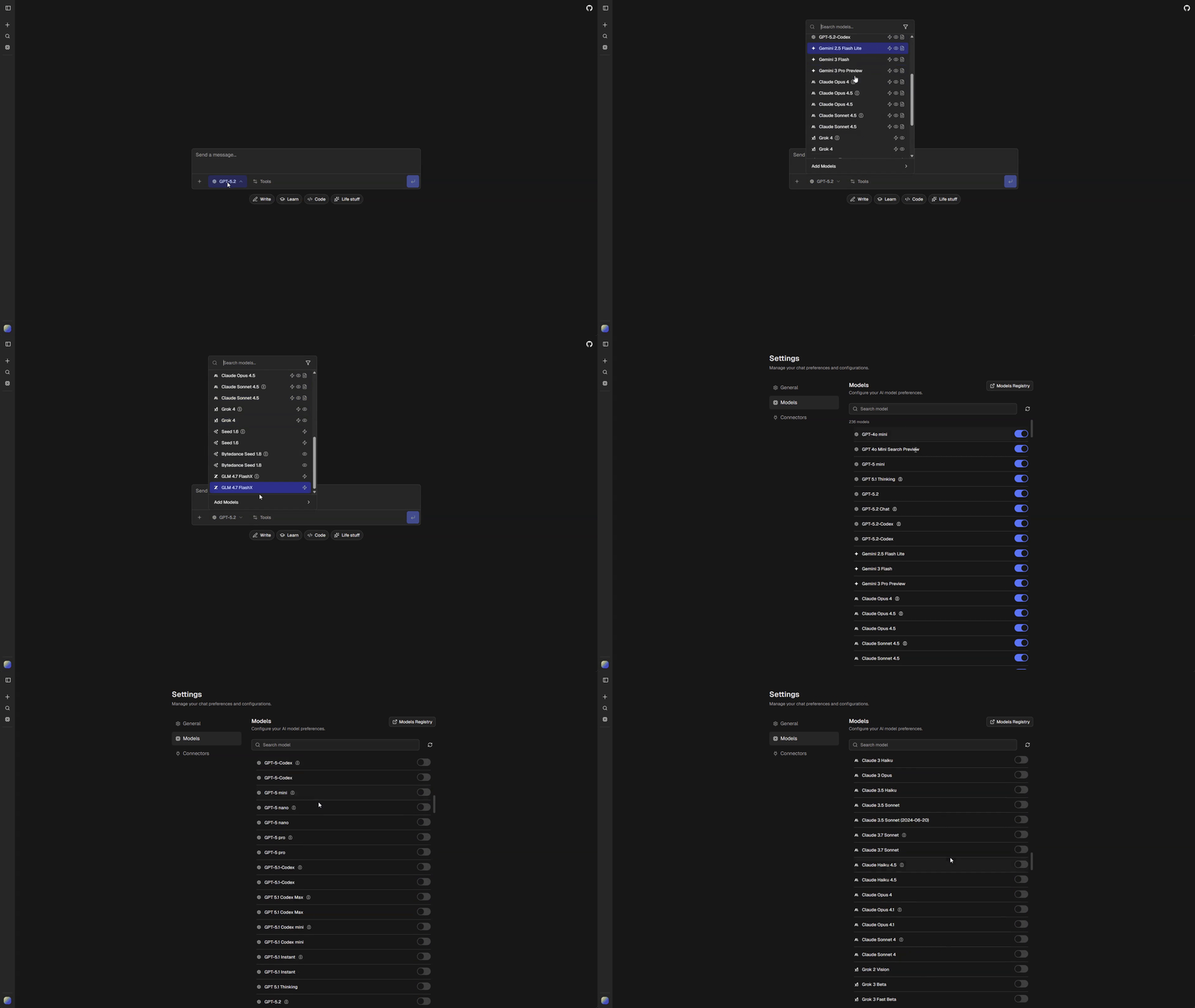
Configure which AI models are available in your app and how they behave. All model configuration lives in chat.config.ts under config.ai.
Configuration Options
ai: {
  gateway: "vercel";              // "vercel" | "openrouter" | "openai" | "openai-compatible"
  providerOrder: string[];        // Provider sort order in model selector
  disabledModels: AppModelId[];   // Models hidden from all users
  curatedDefaults: AppModelId[];  // Default models enabled for new users
  anonymousModels: AppModelId[];  // Models available to anonymous users
  workflows: {                    // Default model for shared app workflows
    chat: AppModelId;
    title: AppModelId;
    pdf: AppModelId;
    chatImageCompatible: AppModelId;
  };
  tools: {                        // Per-tool model and enablement config
    followupSuggestions: { enabled: boolean; default: AppModelId };
    text: { polish: AppModelId };
    sheet: { format: AppModelId; analyze: AppModelId };
    code: { edits: AppModelId };
    image: { enabled: boolean; default?: ImageModelId };
    video: { enabled: boolean; default?: VideoModelId };
    deepResearch: {
      enabled: boolean;
      defaultModel: AppModelId;
      finalReportModel: AppModelId;
    };
    // ... plus webSearch, urlRetrieval, codeExecution, mcp (no model field)
  };
}
Provider Order
Control the display order of providers in the model selector:
ai: {
  providerOrder: ["openai", "google", "anthropic", "xai"],
}
Providers not in this list appear after those listed.
Disabling Models
Hide specific models from all users:
ai: {
  disabledModels: ["morph/morph-v3-large", "morph/morph-v3-fast"],
}
Curated Defaults
Models enabled by default for new users. Users can enable additional models in settings.
ai: {
  curatedDefaults: [
    "openai/gpt-5-nano",
    "openai/gpt-5-mini",
    "google/gemini-2.5-flash-lite",
    "anthropic/claude-sonnet-4.5",
  ],
}
Anonymous Models
Restrict which models anonymous (non-authenticated) users can access:
ai: {
  anonymousModels: [
    "google/gemini-2.5-flash-lite",
    "openai/gpt-5-mini",
    "openai/gpt-5-nano",
    "anthropic/claude-haiku-4.5",
  ],
}
Workflow Defaults
ai.workflows sets the default model for shared app workflows (tasks that don’t have a user-facing model picker):
| Field | Description |
|---|---|
chat |
Main conversation model |
title |
Generates chat titles |
pdf |
PDF document analysis |
chatImageCompatible |
Chat fallback model when image input is required |
ai: {
  workflows: {
    chat: "openai/gpt-5-mini",
    title: "openai/gpt-5-nano",
    pdf: "openai/gpt-5-mini",
    chatImageCompatible: "openai/gpt-4o-mini",
  },
}
Tool Model Defaults
ai.tools configures the default model for each tool. These are merged with the gateway defaults — only fields you provide override the defaults.
| Tool field | Description |
|---|---|
followupSuggestions.default |
Generates follow-up questions |
text.polish |
Text refinement |
sheet.format |
Spreadsheet formatting |
sheet.analyze |
Spreadsheet analysis |
code.edits |
Code modifications |
image.default |
Image generation (see Image Generation) |
video.default |
Video generation (see Video Generation) |
deepResearch.defaultModel |
Research and supervision agent (see Deep Research) |
deepResearch.finalReportModel |
Final report synthesis for deep research |
ai: {
  tools: {
    followupSuggestions: { enabled: true, default: "google/gemini-2.5-flash-lite" },
    text: { polish: "openai/gpt-5-mini" },
    sheet: { format: "openai/gpt-5-mini", analyze: "openai/gpt-5-mini" },
    code: { edits: "openai/gpt-5-mini" },
    image: { enabled: true, default: "google/gemini-3-pro-image" },
    video: { enabled: false },
    deepResearch: {
      enabled: true,
      defaultModel: "google/gemini-2.5-flash-lite",
      finalReportModel: "google/gemini-3-flash",
    },
  },
}
AI Providers
Available providers should be listed in config.services.aiProviders:
aiProviders: [
  "OpenAI", "Anthropic", "xAI", "Google", "Meta",
  "Mistral", "Alibaba", "Amazon", "Cohere", "DeepSeek",
  "Perplexity", "Vercel", "Inception", "Moonshot", "Morph", "ZAI",
],
Model selection and routing is handled through the active gateway.
Image Models
Set the default image model in ai.tools.image.default (gateway-specific model ID). The generateImage tool resolves the model at runtime: if the user’s selected chat model supports image output (per the app model registry), it uses that; otherwise it uses this default. Resolution uses the dynamic gateway-based registry, not a static snapshot. See Image Generation for details.